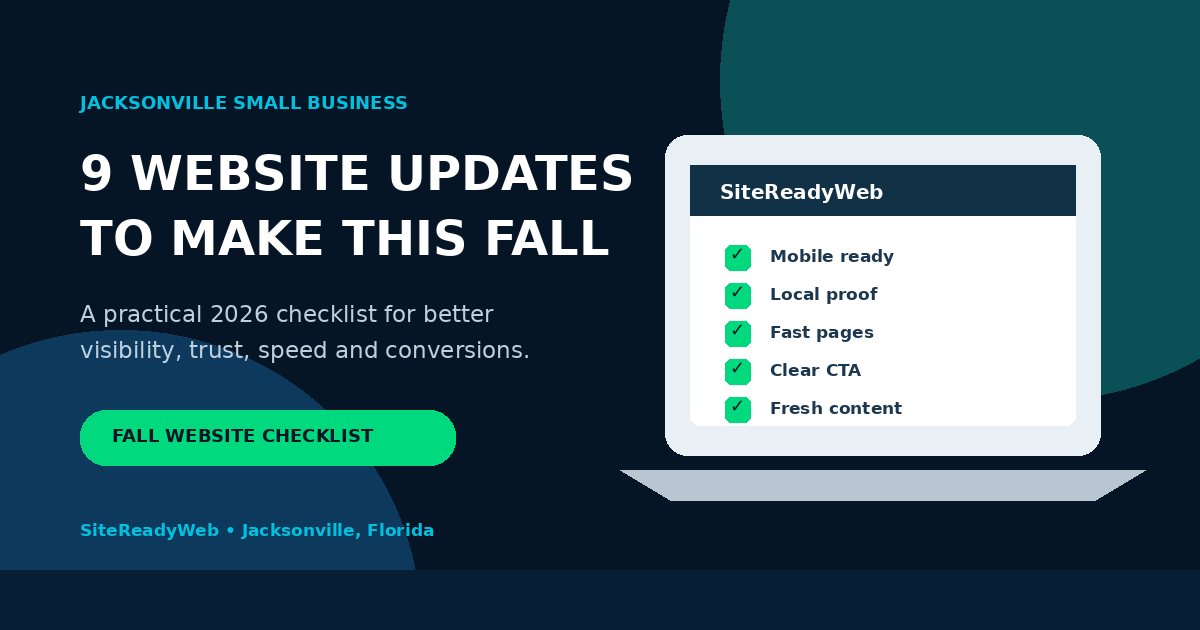
For many Jacksonville small businesses, the last stretch of summer is not a quiet time. Families are back in school routines, football season is starting, fall events are being planned, holiday decisions are moving onto calendars, and Florida is still in hurricane season. That combination changes what customers search for and how quickly they make decisions.
If your website has been sitting unchanged for months, now is a useful time to review it. The goal is not to redesign everything. The goal is to make sure customers can find you, understand you, trust you, and contact you without friction.
Jacksonville timing matters: the Atlantic hurricane season runs June 1 through November 30, and the National Hurricane Center identifies mid-August through mid-October as the most active part of the season. For contractors, repair companies, property services, cleaning businesses, and other local service providers, accurate website information can become especially important when demand changes quickly. View NHC climatology.
1. Make Your First Screen Immediately Clear
A customer arriving from Google should understand three things within a few seconds: what you do, where you work, and what they should do next. A clever slogan is not enough if it hides the service.
For a Jacksonville contractor, caterer, cleaner, mobile detailer, landscaper, rental service, or other local company, the first screen should use plain language. Put the core service in the headline, mention the service area where it makes sense, and place a visible call or request button nearby.
If you are not sure whether your homepage is doing this well, use SiteReady’s small business homepage checklist as a second review.
2. Check the Mobile Experience Before Anything Else
A website can look excellent on a large screen and still lose customers on a phone. Test the site with one hand. Can you read the headline without zooming? Can you tap the phone number? Does the request form fit the screen? Are buttons large enough? Do images load without pushing the page around?
Local customers often search while they are away from a desk. That makes mobile usability a conversion issue, not simply a design preference. SiteReady builds around this with a mobile-first website approach.
3. Update Seasonal Information, Hours, and Availability
Fall brings schedule changes for many businesses. Caterers begin receiving event and holiday inquiries. Home-service companies may shift availability. Some businesses extend or reduce hours. Others introduce seasonal packages.
Review your website and Google Business Profile together. Your hours, phone number, service area, main offer, and contact information should agree. If customers see conflicting information, trust drops before the conversation begins.
Do not invent a seasonal promotion just to add keywords. If you genuinely have fall scheduling, holiday bookings, storm-related services, school-year programs, or year-end availability, explain it clearly and update it when the season changes.
4. Turn Completed Work Into Proof
One of the most underused traffic and conversion assets for a small business is recent work. A finished project gives visitors something specific to evaluate and gives your website original material that does not exist on every competitor’s page.
Add new photos, explain the customer problem, describe what was delivered, and link to the finished work when appropriate. SiteReady uses its own Recent Projects portfolio for exactly this reason.
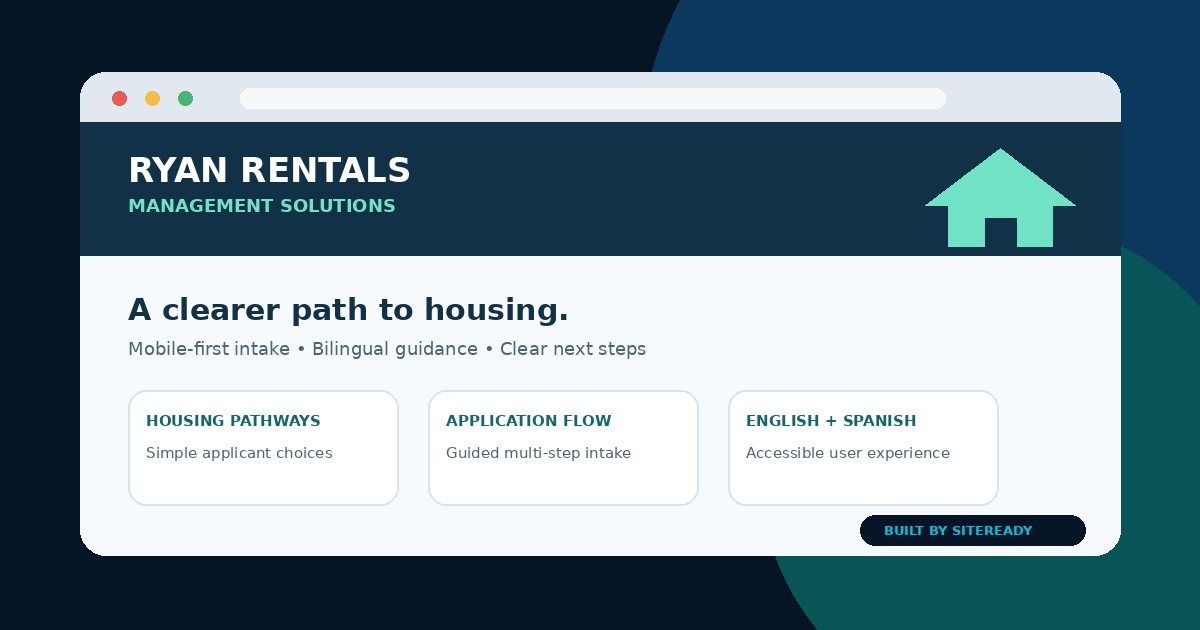
Ryan Rentals Management Solutions
A mobile-first Florida housing-placement website built to simplify a complex user journey with clear pathways, a guided application experience, English and Spanish support, and direct next steps.
View Live Project5. Rewrite Titles for Search Intent and Clicks
A page title should help a searcher understand why your result is relevant. Generic titles such as “Home” or “Welcome” waste valuable search-result space. Overstuffed titles are not better.
Use the actual service and a meaningful location or differentiator when appropriate. For example, a local service page may benefit from a title that clearly identifies the service and Jacksonville area. The wording on the page should then support that promise.
The same principle applies to meta descriptions. They are not a guarantee that Google will use your exact wording, but a specific, readable description gives searchers a stronger reason to choose your result when it is shown.
6. Strengthen Your Local Signals
Your website should make your relationship to the market obvious. That can include a Jacksonville service-area statement, local project examples, real contact information, business hours, neighborhood or regional references when genuinely relevant, and a complete Google Business Profile.
Local relevance should come from the real business, not from cloning dozens of near-identical city pages. A useful Jacksonville page is better than thin pages created only to repeat city names.
If your Google Business Profile is incomplete, review SiteReady’s Google Business Profile setup guidance.
7. Reduce Page Weight and Speed Friction
Large images are common on small-business websites because owners want their work to look sharp. But an image that is several times larger than the space where it appears can slow the page unnecessarily.
Compress oversized images, use modern dimensions, lazy-load images that are below the first screen, and remove files that are no longer used. Speed improvements do not replace useful content, but they improve the experience for visitors on mobile connections and make the website easier to use.
8. Make Every Important Page Lead to a Next Step
Traffic alone does not pay a small business. Each important page should make the next action obvious. Depending on the business, that may be calling, requesting a quote, booking, starting an application, viewing pricing, or sending project details.
A strong call-to-action should be visible without being aggressive. Repeat it where the visitor has enough information to make a decision. On longer pages, provide more than one opportunity to act.
SiteReady’s own website uses a free custom website demo request as the primary conversion path because it is easy to understand and does not require payment before the business owner sees the concept.
9. Publish One Useful Piece of Content for the Question Customers Are Asking Now
Do not publish an article simply because a calendar says it is time to blog. Publish when you can answer a real customer question more completely than a short social post or generic service page can.
For a caterer, that could be fall event planning. For a contractor, it could be preparing a home before cooler weather or what to do after storm damage. For a cleaning company, it could be preparing for holiday guests. For a local business website, it could be the exact checklist you are reading now.
Connect the article to the relevant service page and connect the service page back to helpful resources. That internal linking creates a clearer site structure for customers and search engines.
A 30-Day Fall Traffic Plan
If your site is getting impressions but very few clicks, do not respond by publishing twenty thin pages. Use a tighter plan:
- Week 1: improve the titles and descriptions of pages already receiving impressions; verify mobile usability, links, indexing, sitemap, and page speed.
- Week 2: add current proof—recent projects, photos, reviews, updated services, and clearer Jacksonville/local context.
- Week 3: publish one substantial article around a real seasonal question and link it to the most relevant service pages.
- Week 4: promote the article through your Google Business Profile, social channels, client conversations, and any legitimate local or partner relationships that can send qualified visitors.
Then use Search Console to compare which queries gained impressions, which titles earned clicks, and which pages moved closer to page one.
The Goal Is Not More Pages. It Is More Useful Pages
For a small business website, the fastest path to better performance is usually not volume. It is improving the pages that already exist, adding credible proof, targeting specific customer questions, and making every visit easier to convert.
That is especially important heading into fall. Customers have more choices, schedules move quickly, and local service needs can change with events, weather, holidays, and year-end planning.
If your current website looks dated, loads slowly, hides your services, or does not give customers a clear next step, SiteReady can help you modernize it without turning the process into a complicated technical project.